Maggy — home
Rostelecom Smart Home icon

Rostelecom Smart Home

A consumer app that connects and manages
smart devices

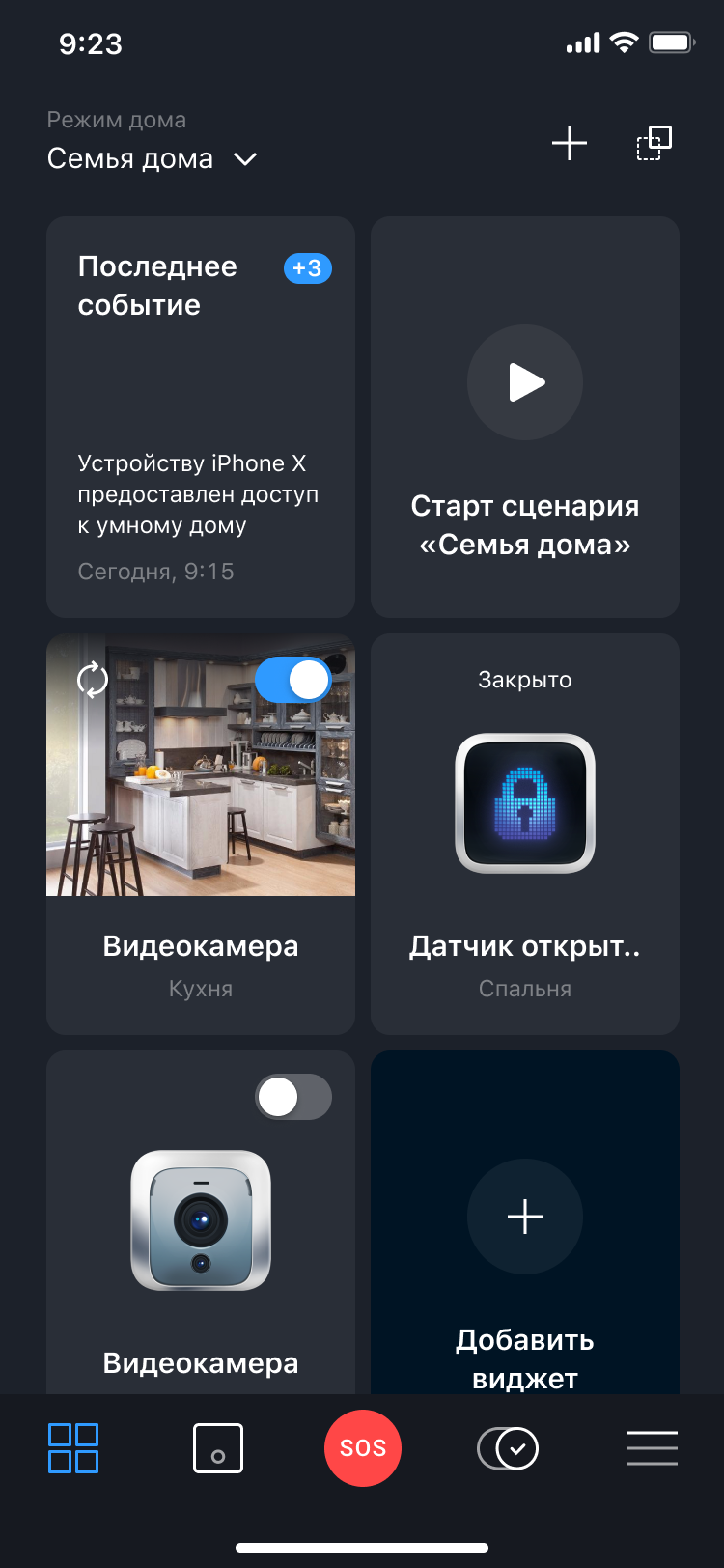
Smart Home dashboard screen
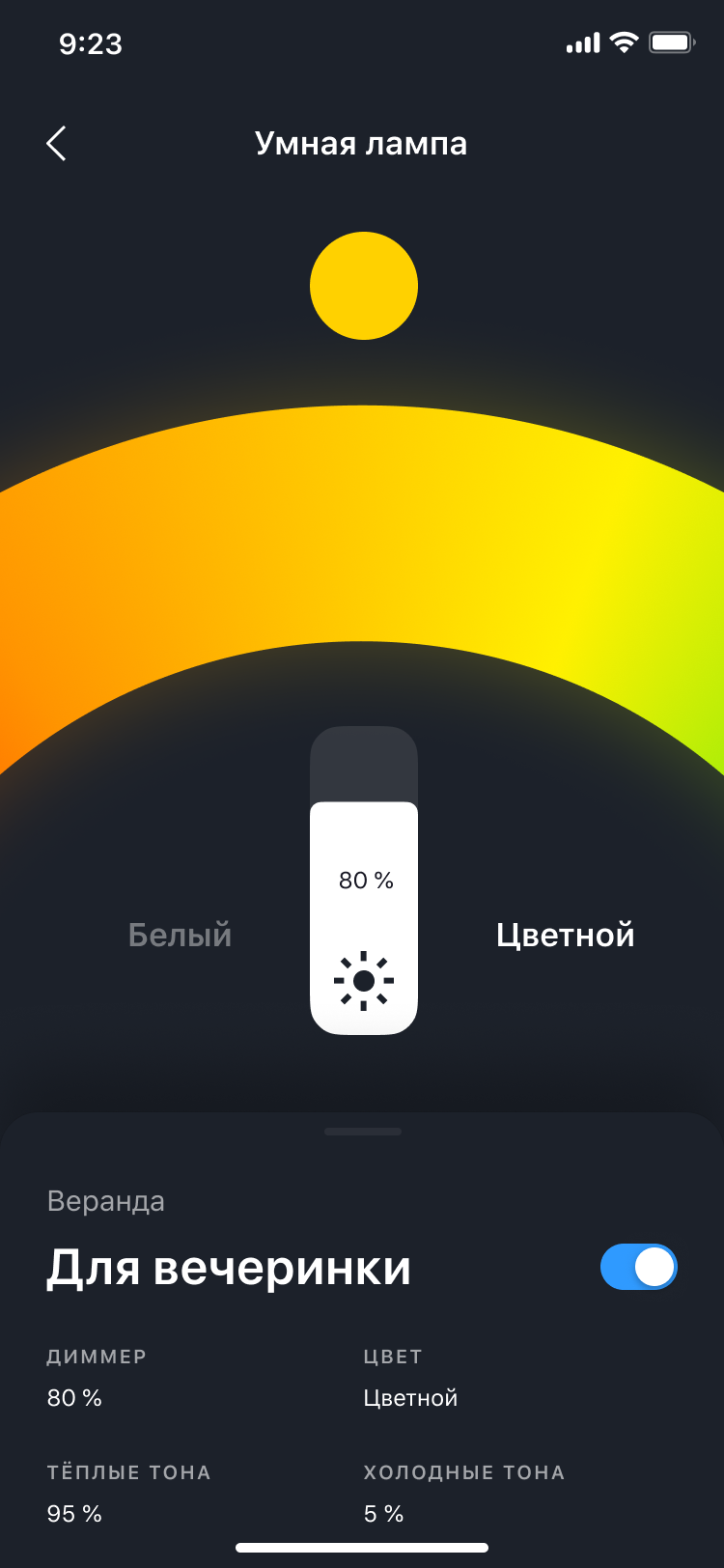
Smart Home bulb control screen
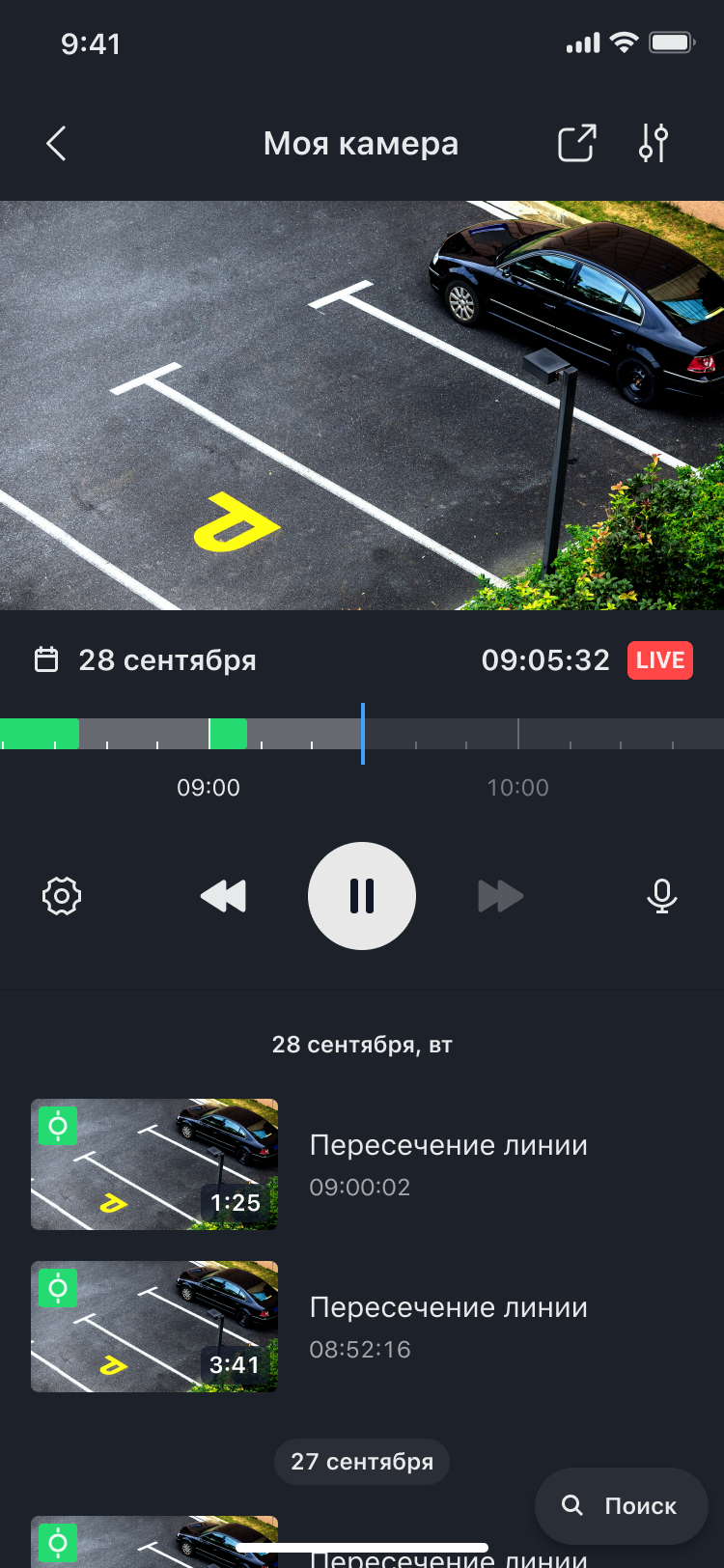
Smart Home camera card screen

My role

Product Designer → Design Team Lead I worked hands-on as a designer and later led design delivery. I owned UX direction, research, and cross-functional alignment with product and engineering, with a strong focus on improving the camera experience

The challenge

App experience felt fragmented and hard to use,
it also needed a modern visual touch

  • The camera flow was especially sensitive: users needed to quickly find events, understand what happened, and take action — but key features were not discoverable and some interactions caused confusion
  • Support operators were overloaded by users negative feedback

What I did

Led a full redesign of the app experience

We refreshed navigation, visual language, and interaction patterns to make the app clearer and more modern, while keeping it fast for daily use

Built a lightweight research practice
(even with limited resources)

We combined:

  • quick internal “corridor” usability checks (fast feedback on clarity and navigation),
  • and a focused study on the Camera Card experience

Ran a focused research study on the Camera Card

We defined what we needed to learn: how people use the timeline, how they review a specific event, what actions are most used, which settings matter, and how people search for events

Turned insights into concrete UI changes

  • Made key features easier to find (events, clips, search).
  • Reduced gesture ambiguity by clarifying controls and making primary actions more explicit.
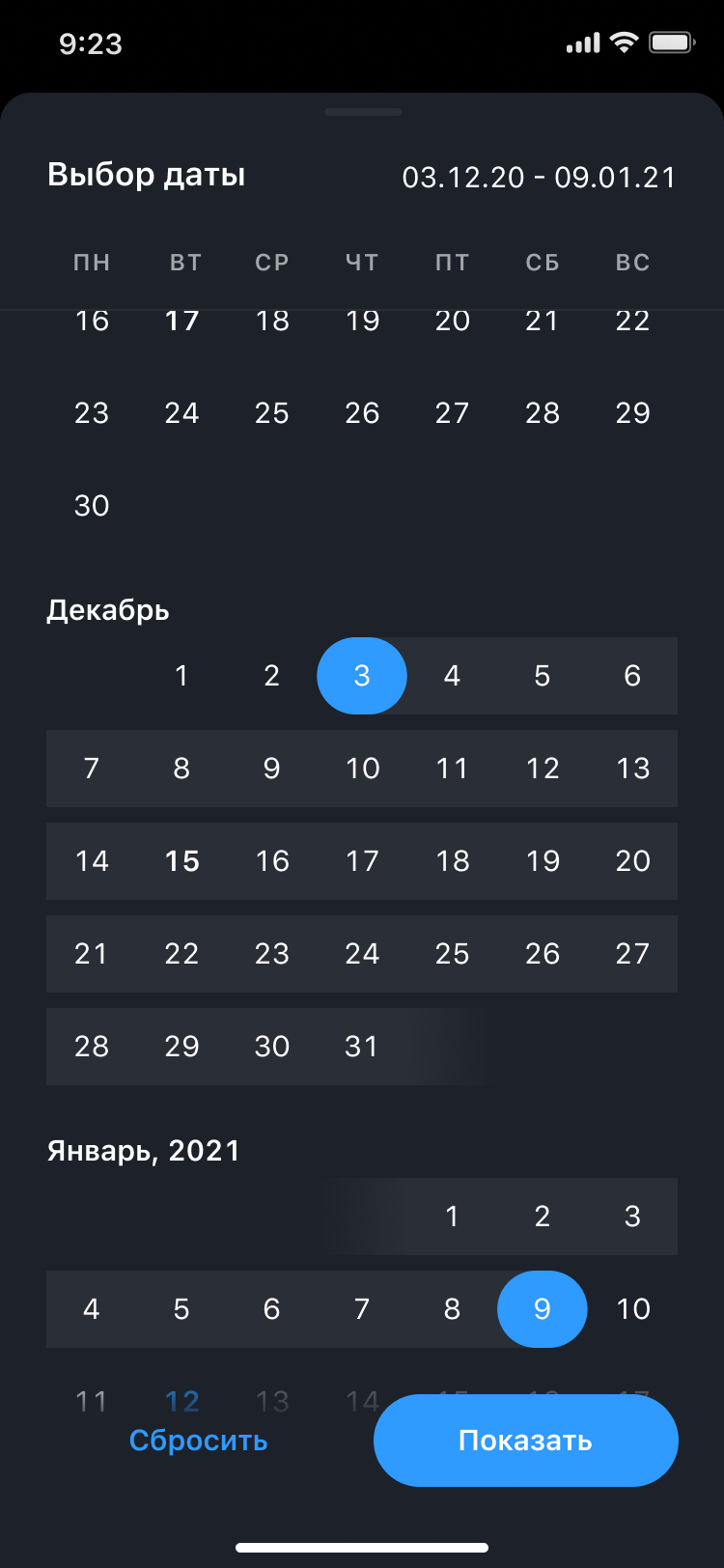
  • Kept “Live” state clear and made the playback context (date/time + timeline) easier to read.
  • Refined notifications/events logic to match user expectations and reduce noise

Key releases

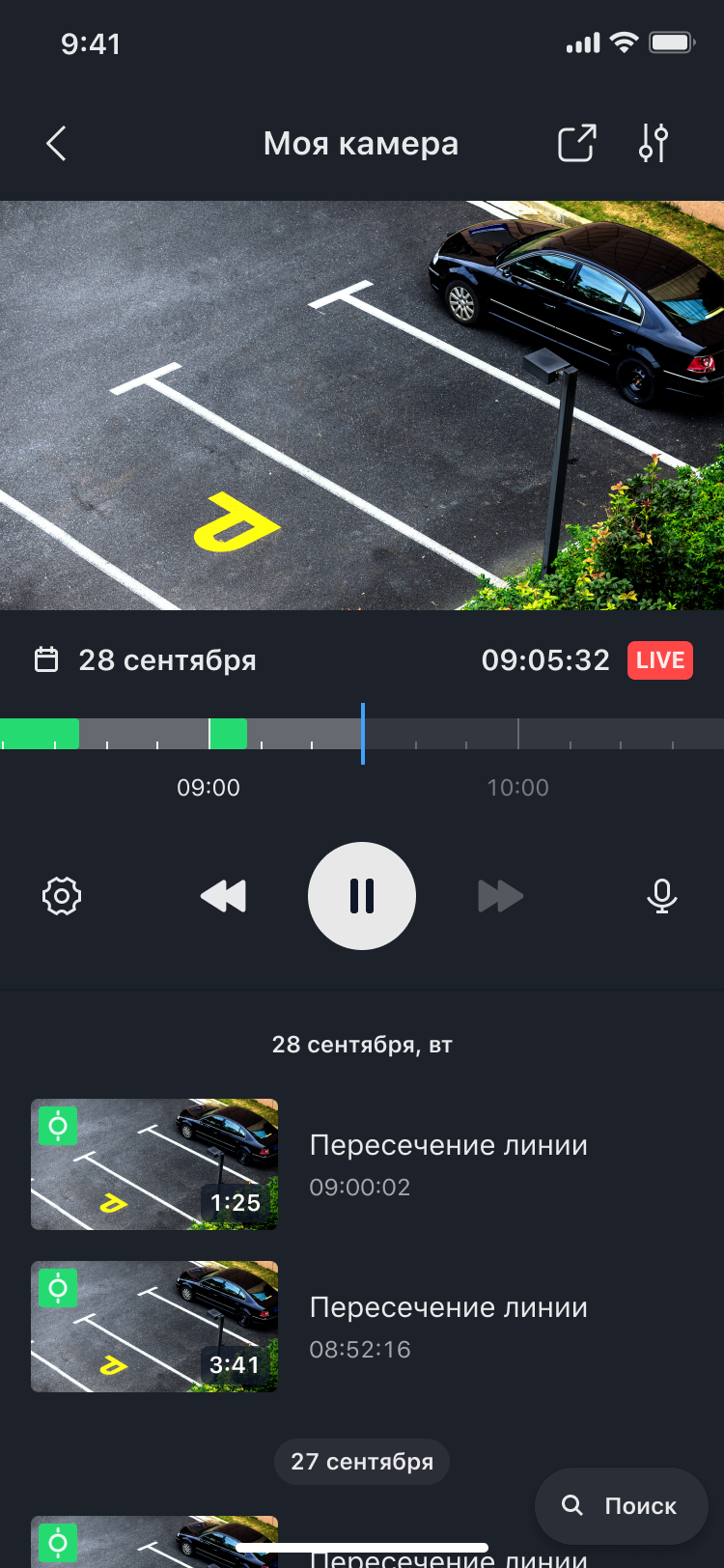
Camera Card — redesigned
playback and events

A single place to watch live,
scrub the timeline, and review
events with previews and
timestamps
Camera Card redesign: playback and events
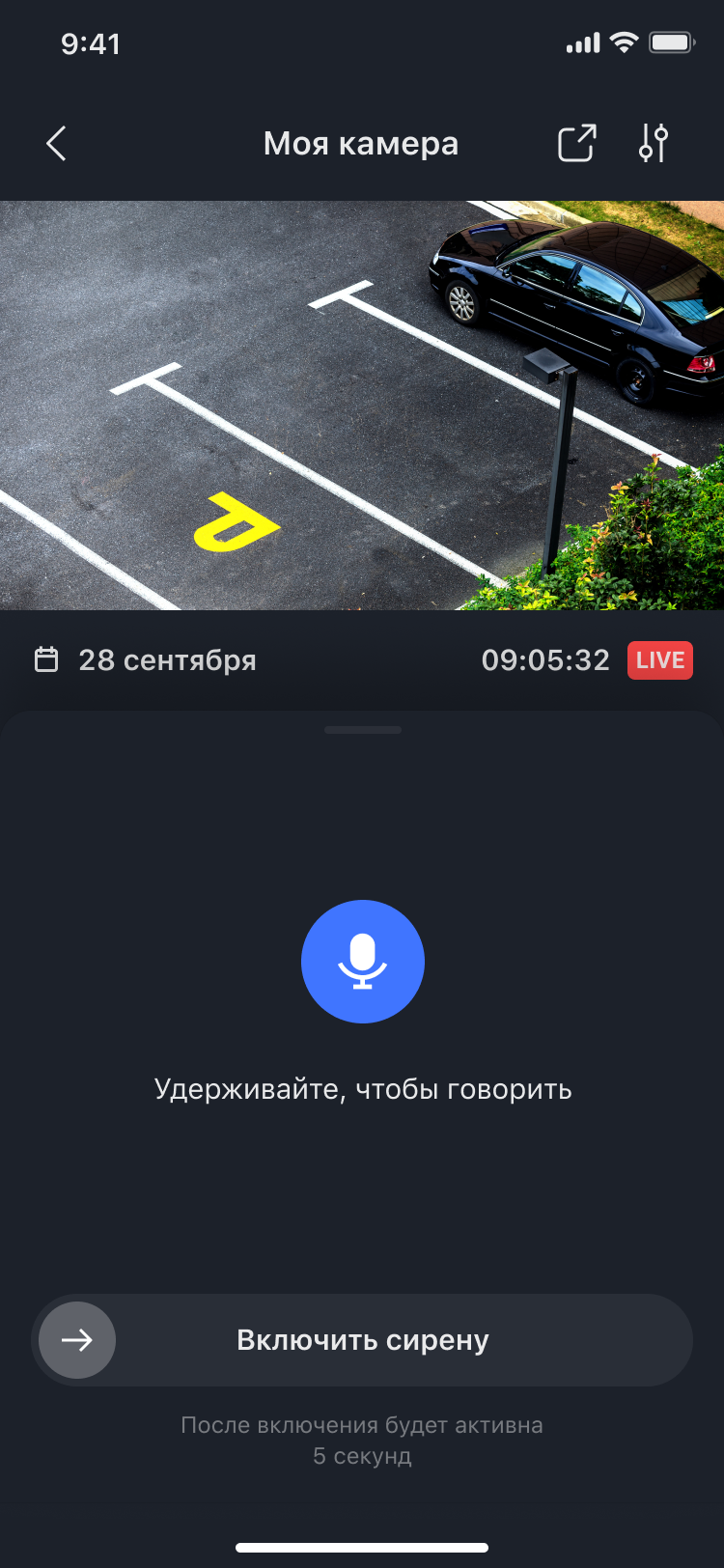
Camera Card redesign: microphone and alarm actions

Research highlights

  • People rarely return to settings (83%) → settings must be minimal, clear, and placed where it makes sense
  • Some functions were not obvious and were discovered by accident (50%) → reduce hidden gestures and improve UI signposting
  • Many users didn't know about Clips (75%) and didn't understand where to find Bookmarks (58%) → improve entry points and naming
  • Notification/event area required rethink (67%) → simplify event understanding and reduce friction

Key takeaways from usability sessions
around the Camera Card

Notifications

67%

Needs refactoring and simplification

Settings

83%

Users rarely return to settings

Gestures

50%

Feature discovery is not obvious. Users trigger it by accidental swiping

Clips

75%

Users are unaware of this section

Bookmarks

58%

Users don't know where to find them

Live Stream

58%

Users understand that they are in LIVE mode

Events

100%

Users identify events by color

Timeline

50%

Users have difficulty selecting upcoming events

Calendar

67%

It is not obvious to users that the text is clickable

Key takeaways from usability sessions
around the Camera Card

Microphone

Used by 80%

Not used by 20%

Share live stream

Used by 70%

Not used by 30%

Screenshot

Used by 80%

Not used by 20%

Siren

Used by 20%

Not used by 80%

Clips

Used by 50%

Not used by 50%

Event search icon

Used by 10%

Not used by 90%

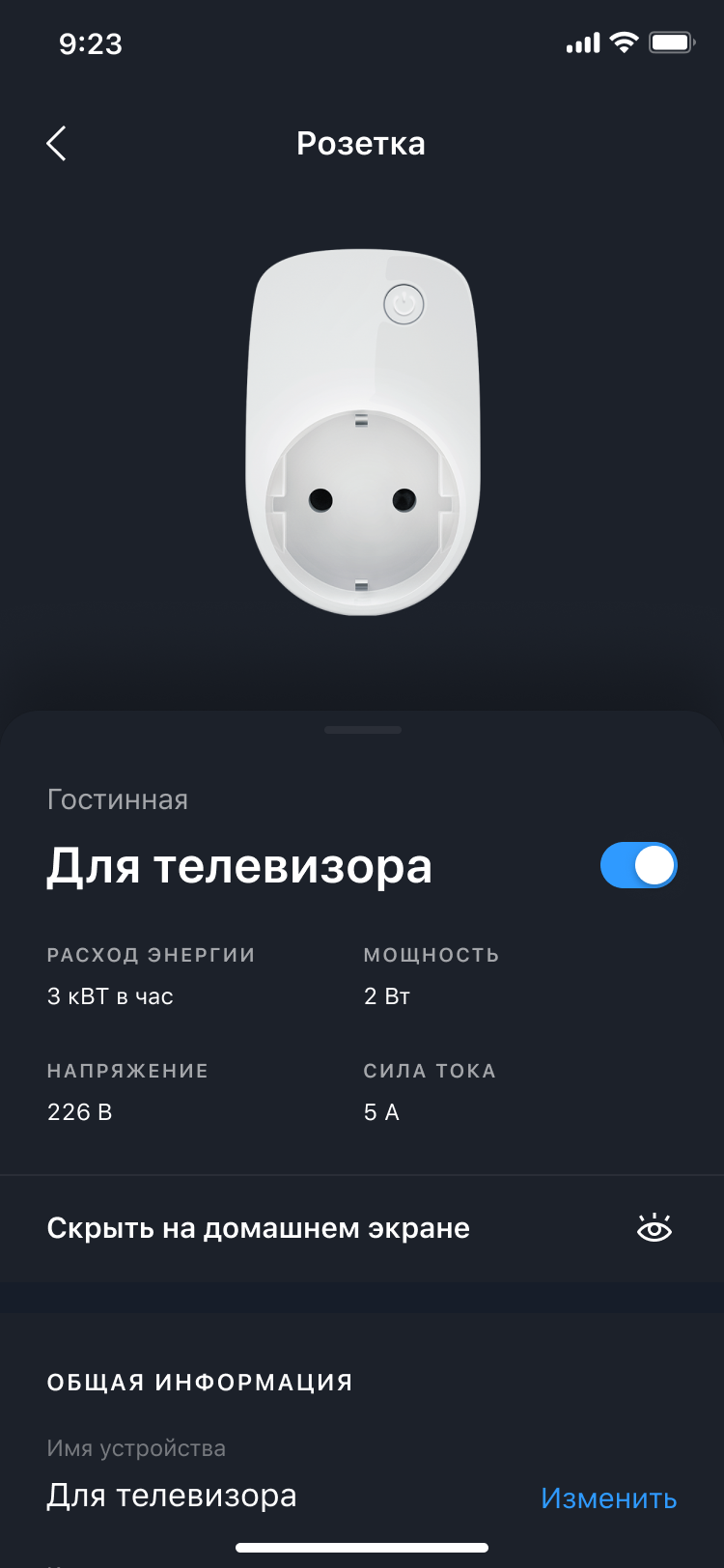
Smart Home plug device screen
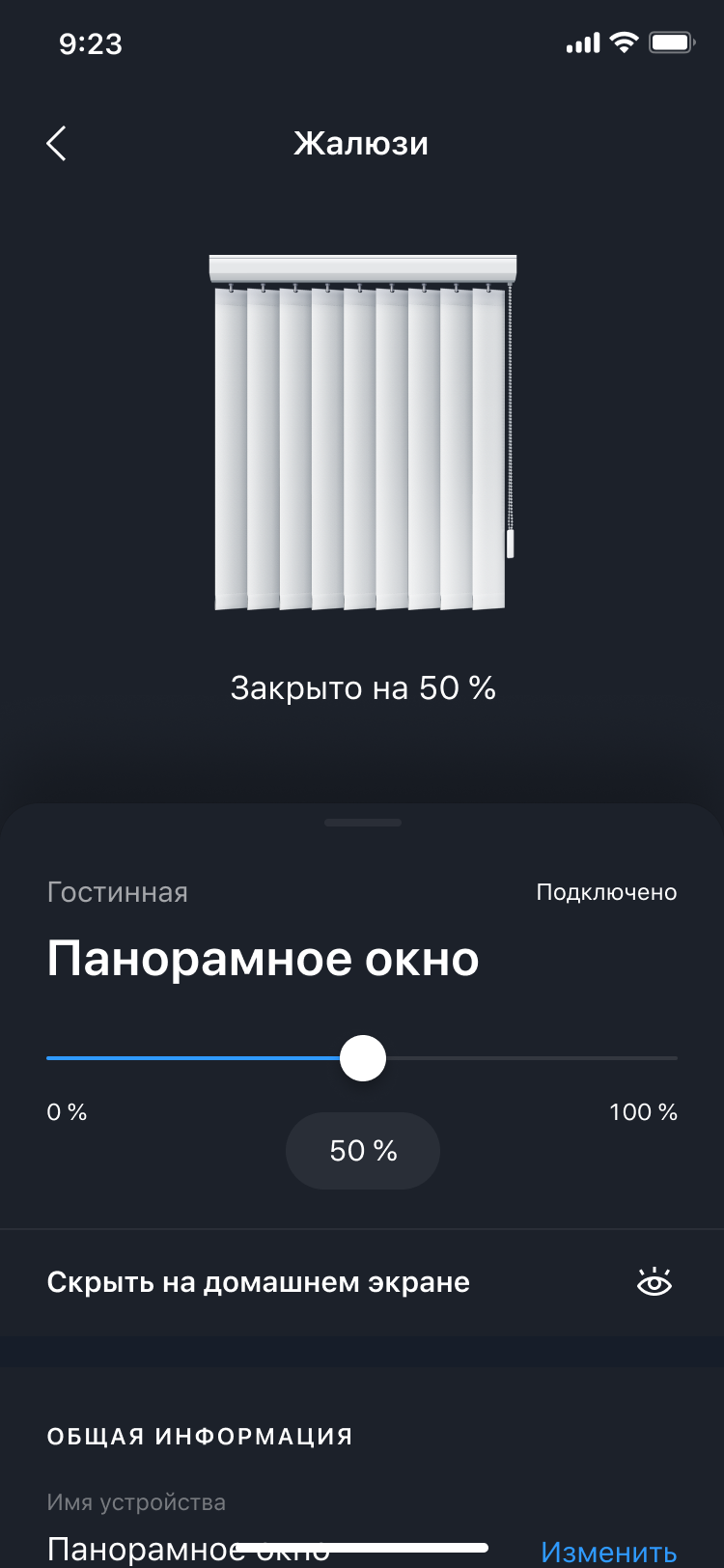
Smart Home blinds device screen
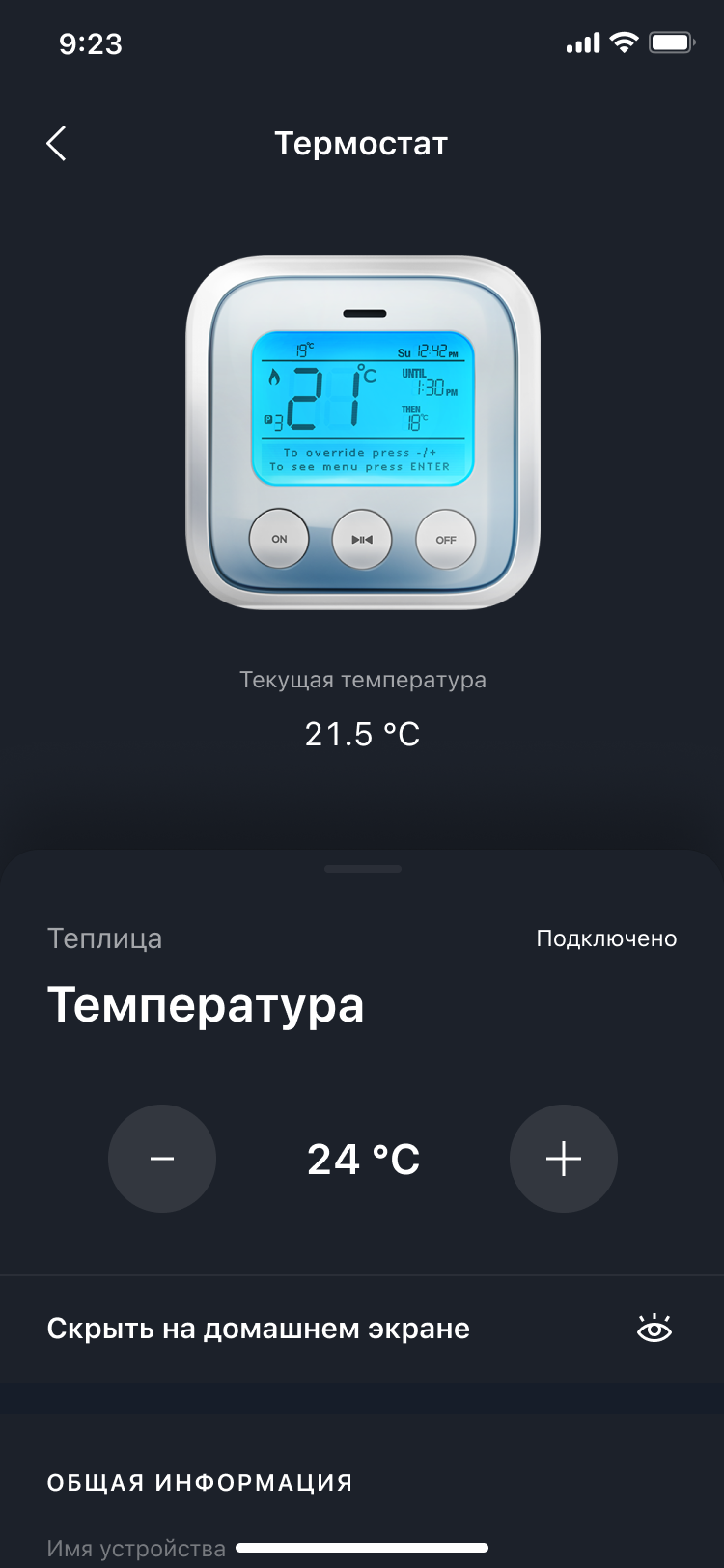
Smart Home temperature device screen
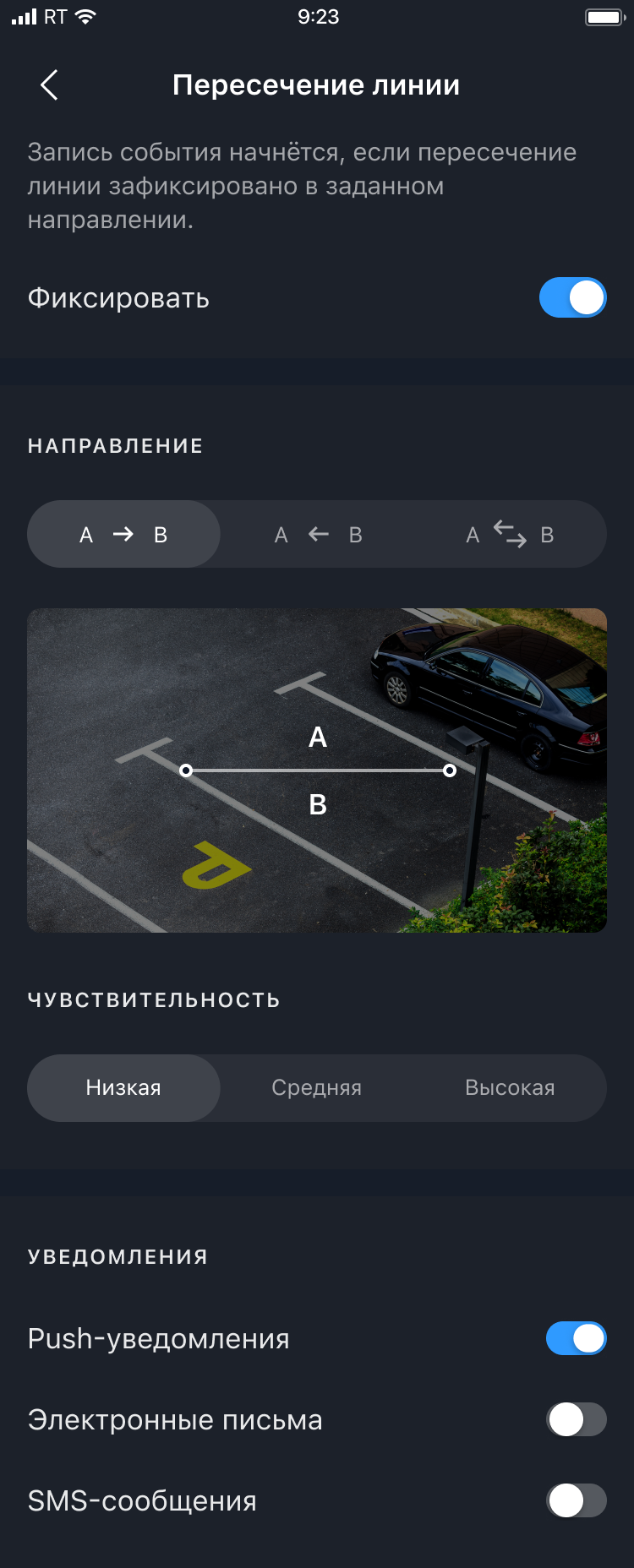
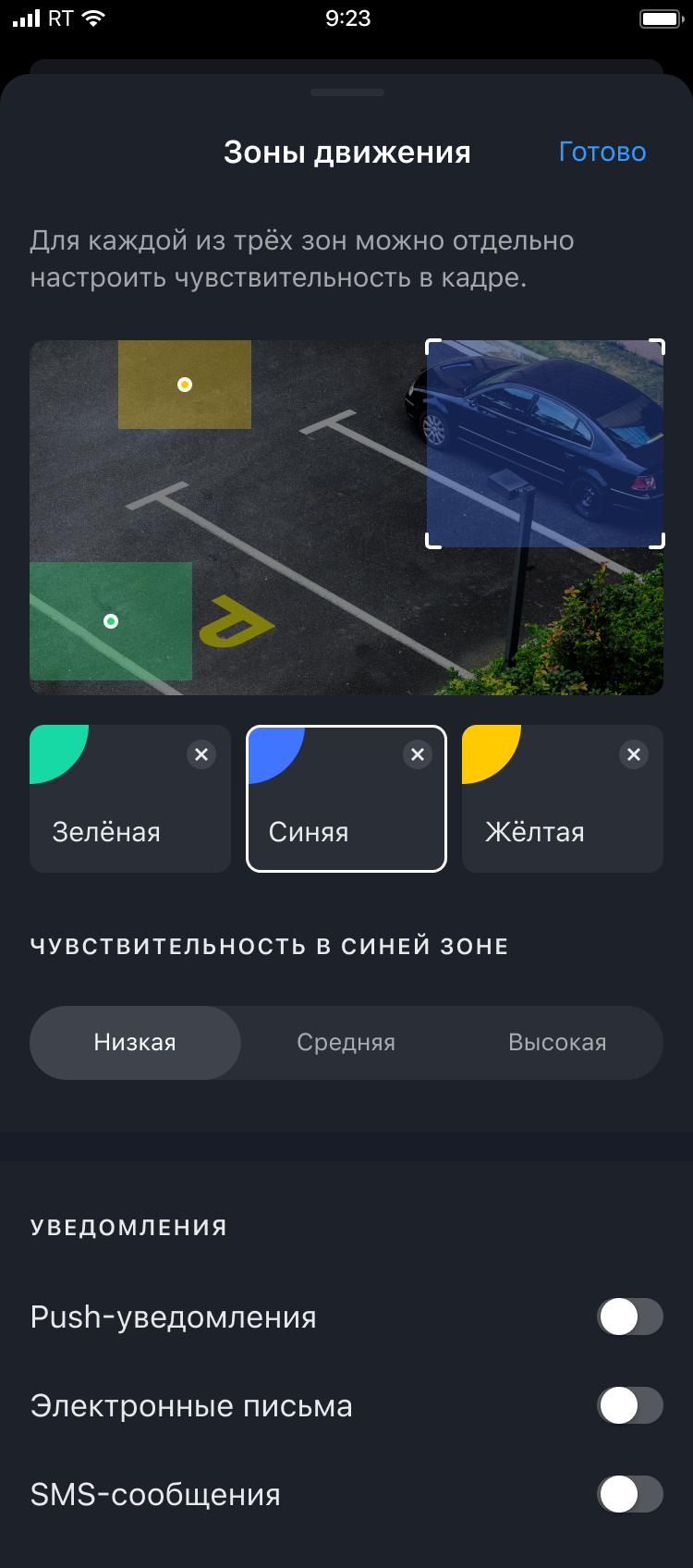
Smart Home events and notifications screen variant one
Smart Home events and notifications screen variant two
Smart Home balance and codes screen

Outcomes

App Store / Google Play rating improved from 3.5 to 4.7 after we introduced a more systematic UX research practice and shipped the redesign improvements

Better camera flow clarity and feature discoverability, validated through repeated checks and research-driven iterations

Next case